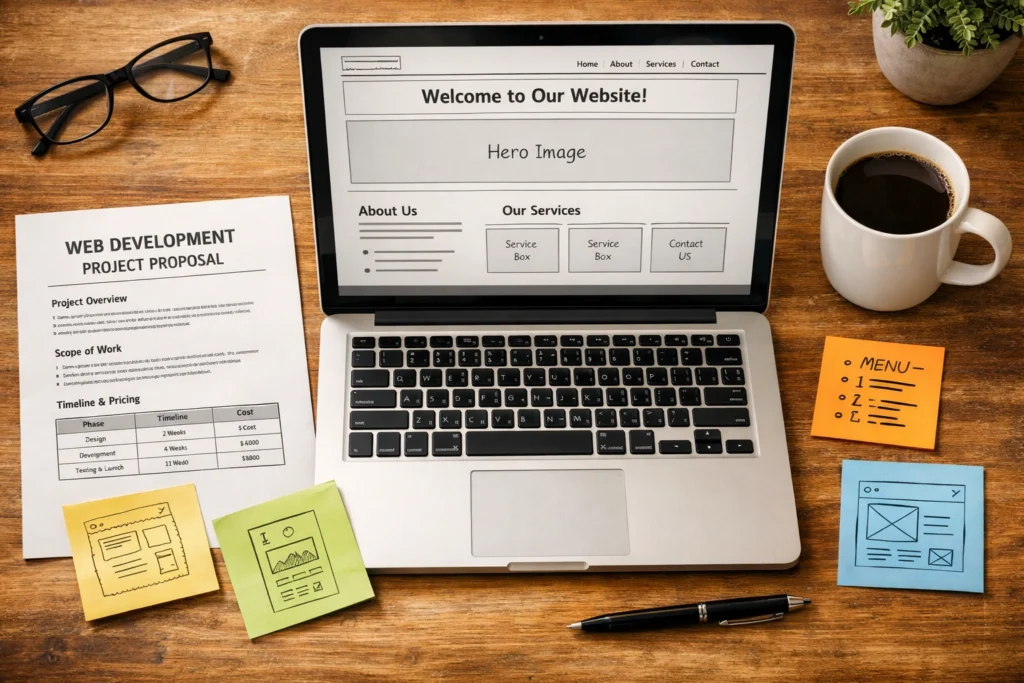
Getting a business website built is one of the first serious investments a new company makes. And honestly, it can feel overwhelming fast. There are packages, tiers, add-ons, and agencies all competing for your attention before you’ve even registered your domain.
Most new businesses just want a professional website that looks good, works well, and doesn’t cost a fortune to put together. The challenge is that many packages look similar on the surface while delivering very different long-term value.
This guide breaks down what web development packages actually include, which tier makes sense for your current stage, and what to check before you commit.
First up, let’s look at what web development packages are.
What Are Web Development Packages?
Web development packages are bundled services that cover everything you need to get a website built and live, sold at one fixed price. Instead of hiring a designer separately, then a developer, then sorting out hosting on your own, a package pulls it all into one place.
Most packages include web design, development, and basic setup as standard. Some also include brand elements like logo design or visual assets, depending on the agency. The goal is simple: you provide the brief, and the finished website is delivered without coordinating multiple contractors.
That said, not all packages are structured the same. What’s included, how much support you get, and how much flexibility you have vary quite a bit from one provider to another.
What’s Usually Included in a Web Package
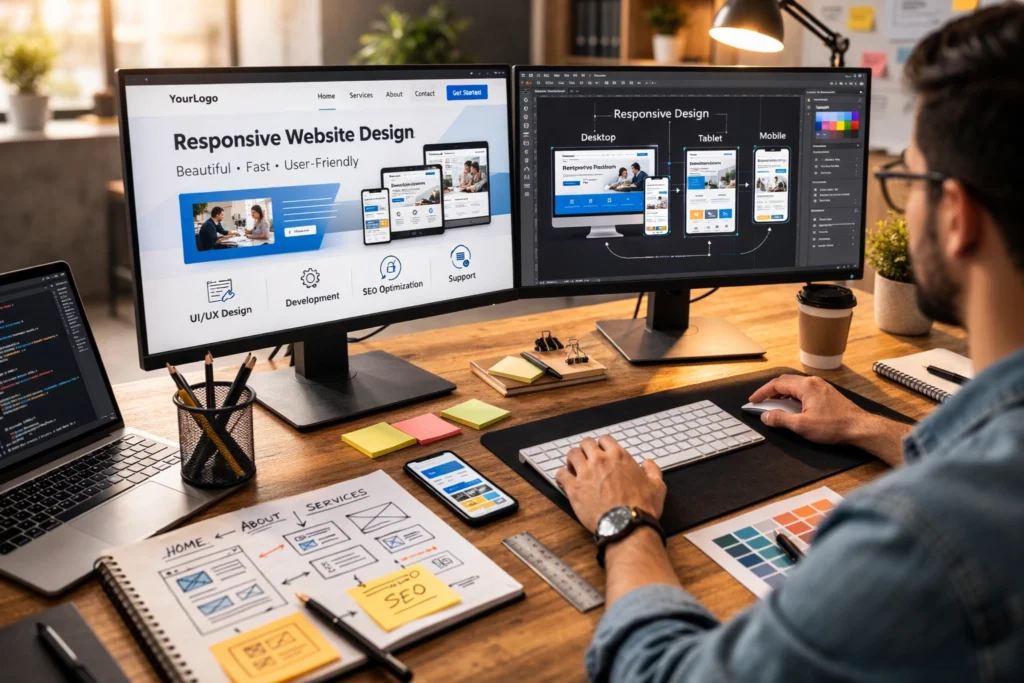
Most web development packages cover design, development, core pages, and basic setup. From there, what’s included depends on the tier, but there are two clear categories worth knowing: the must-haves and the nice-to-haves.
The Must-Have Features
Responsive design is non-negotiable for modern business websites. As of January 2026, mobile devices accounted for over 66% of global web traffic, according to Similarweb. That means a well-designed website adapts seamlessly across phones, tablets, and desktops, or it risks losing more than half its visitors before they’ve even read a word.
Most packages also cover your core pages, a home page, an about page, a services page, and a contact form, along with domain registration and web hosting. These are the building blocks of any functional business site. If a package is missing any of these, it’s worth asking why before you sign anything.
The Nice-to-Have Add-Ons
Some packages throw in extras like a blog, basic SEO setup, or a CMS. A CMS, short for content management system, is basically a dashboard that lets you update your own website without touching any code. Without one, you’re calling a developer every time you need to change a price or swap out an image.
Beyond that, higher-tier packages sometimes include Google Analytics integration, plugins for added functionality, and support for managing website content on an ongoing basis. These may not be essential on day one, but they directly affect how much control and flexibility you retain as your business grows.
Starter, Business, or Premium: Breaking Down the Three Main Tiers

The priciest package on the list isn’t always the right one, but going too basic without checking what’s missing can leave you short pretty quickly. Here’s how the three main tiers generally break down:
| Package | Pages | Key Features | Best For |
| Starter | 5-10 | Website templates, responsive design, contact form | Small business, new launch |
| Business | 10-20 | CMS, SEO basics, blog, custom design options | Growing brands |
| Premium | 20+ | Full custom design, integrations, design services | Complex business needs |
Most new businesses start with a starter or business package. The starter tier works well if you just need a clean, simple site up and running fast. It’s built on templates, which keeps costs down and timelines short, usually two to four weeks to launch. For many service-based businesses, it covers the essentials without overcommitting the budget.
The business tier has everything in the starter package, along with a CMS, more pages, and basic SEO. These features become increasingly important once you’re actively investing in online marketing and lead generation.
When your requirements go beyond what standard templates can support, like custom functionality or third-party integrations, that’s where a premium package comes into the picture.
Do New Businesses Need a Custom Website?
Honestly, most new businesses don’t need a fully custom website because a well-built template-based site can do the same job at a fraction of the cost. Modern template websites have come a long way. Many are visually appealing, professionally designed, and built to reflect a brand identity without starting from scratch.
Take Wix and Squarespace, for example. These website builders offer drag-and-drop editors that let you build a professional-looking site at little to no cost. The trade-offs are limited customisation, generic layouts, and little room to express brand personality, which can become more noticeable as your business grows.
In our experience, a structured template-based package hits the sweet spot for most new businesses. You get a professionally designed site, proper support, and room to grow, without the cost or complexity of a full custom build.
How to Choose the Right Web Development Package

Choosing a web development package isn’t just about price or page count. Two packages can look almost identical on paper, but deliver very different results depending on what your business actually needs. Check these three things before you commit:
- Purpose: Your website needs a clear primary goal. Is it generating enquiries, showcasing your portfolio, or selling products directly? Each requires different features and functionality. This decision shapes every other choice you make.
- Gaps: Packages often leave out things like mobile optimisation, SSL certificates, or content migration, and those missing pieces tend to show up as extra costs later. Before committing, ask for a clear breakdown of what’s included and, more importantly, what isn’t.
- Ongoing Support: A package that includes a CMS and ongoing maintenance saves a lot of headaches down the track. If support isn’t part of the deal, you’ll either be handling updates and security patches yourself or paying someone else to do it.
Once you’ve worked through these, you’ll have a much clearer picture of which package is worth your investment.
Your Next Step Starts Here
A new website is one of the few business investments that works around the clock. Done well, it builds brand recognition, brings in potential customers, and represents your business long after business hours. Built poorly, it does the opposite.
Before signing anything, get clear on your goals, check what’s excluded, and make sure support is part of the deal. A little due diligence upfront saves a lot of backtracking later.
Our team at BasicLinux has spent over ten years helping clients across Brisbane and greater Australia get this right. If you’d like a hand finding the right fit, get in touch, and we’ll help you find a package that suits your needs.