
Imagine you’ve spent months planning your new website. The design looks sharp, the content is ready, and you’re excited to launch. Then you hit publish, and within weeks, the site loads slowly on mobile, your Google rankings drop, and potential customers bounce before seeing your services.
Most of these problems come from pre-launch mistakes that slip through unnoticed. Many launch without testing mobile performance, only to realise half their pages don’t work on phones. Others skip SEO setup entirely, leaving their site invisible in search results. As a result, rankings drop, customers leave, and fixes cost far more after launch.
The good news is that most of these problems are easy to catch if you know where to look. This guide covers the pre-launch web design mistakes Brisbane businesses make and how to avoid them.
Let’s dive in.
Skipping the Pre-Launch Website Audit
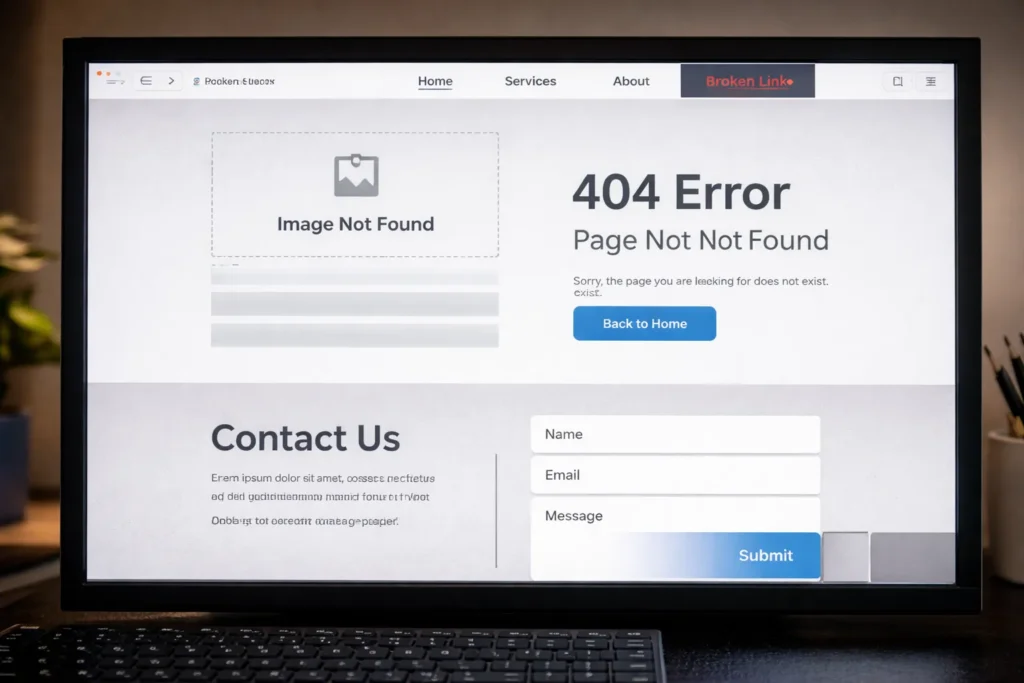
A website audit checks your site for technical problems, broken links, and content errors before you launch. It catches issues that often slip through design, like typos, images that won’t load on mobile, broken contact forms, and dead links.
Without an audit, visitors discover these problems for you and when they do, they leave for sites that offer a better experience. This behaviour also signals to Google that your pages provide poor quality, which can hurt your search rankings.
Running an audit before launch lets you fix these issues while they’re still easy to address, before they cost you traffic, leads, and credibility.
Page Speed Issues You Can Spot Before Launch
The faster your site loads, the more likely visitors are to stay. In fact, Google research shows 53% of mobile visits get abandoned if pages take longer than three seconds to load. The challenge is that your site might feel fast on your office computer but load slowly for visitors on mobile devices or weaker connections.
Most of the time, the two main culprits for the slowness are uncompressed images and unnecessary scripts. A single high-resolution photo can sit at 3MB when it should be closer to 200KB for the web. Third-party tools like analytics, chat widgets, and tracking pixels pile on too, each making another request that slows down your page.
To catch these issues before visitors notice, run your site through Google PageSpeed Insights. It flags images that need compression and scripts slowing down performance, so you can compress images and trim unnecessary code before launch.
Mobile Design Issues Most Businesses Miss in Testing

Mobile devices drive 66% of all web traffic, according to SimilarWeb. Yet most businesses test their sites using browser emulators or only on desktop, which misses how the site actually feels to use with a thumb. Here’s what slips through:
- Buttons Too Small to Tap: Buttons that look fine on desktop often feel too small to tap comfortably on mobile. These cause misclicks, frustrate users, and lead to abandoned forms.
- Text That Requires Zooming: When your font size drops below 16px, mobile visitors have to pinch and zoom just to read a sentence. This interrupts their flow, makes your site feel poorly designed, and sends them looking elsewhere.
- Forms That Don’t Work on Small Screens: Long forms with tiny input fields turn typing into a battle on phones. Users fight autocorrect, struggle to tap the right field, and many give up before submitting.
- Pop-ups That Can’t Be Closed: When a pop-up’s X button is off-screen or too small to tap, mobile users can’t close it or continue browsing. Frustrated visitors often abandon the page rather than hunt for a way around it.
Test on actual mobile devices before you launch. That’s where usability problems reveal themselves.
Poor Site Architecture and the Three-Click Rule
Site architecture determines how easily visitors find what they need on your website. When your navigation buries important pages under multiple menu layers or uses confusing labels, people give up looking.
To prevent this, keep your most important pages within three clicks from your homepage. That way, visitors can find what they need quickly and are more likely to take action. A clean site structure keeps essential pages within easy reach and uses clear labels so navigation feels obvious.
Fortunately, you don’t need fancy tools to check if your structure works. Just ask someone unfamiliar with your business to find specific pages on your site before launch. Then watch where they click and how long it takes. If they struggle or can’t locate basic information, simplify your structure before going live.
Missing Local SEO Setup Before Your New Website Goes Live
If you want customers in your area, local search engine optimisation needs to be in place before your site launches. That means setting up your Google Business Profile, targeting suburb-based keywords, and keeping your business information consistent across directories.
Why Google Business Profile Needs to Launch with Your Site
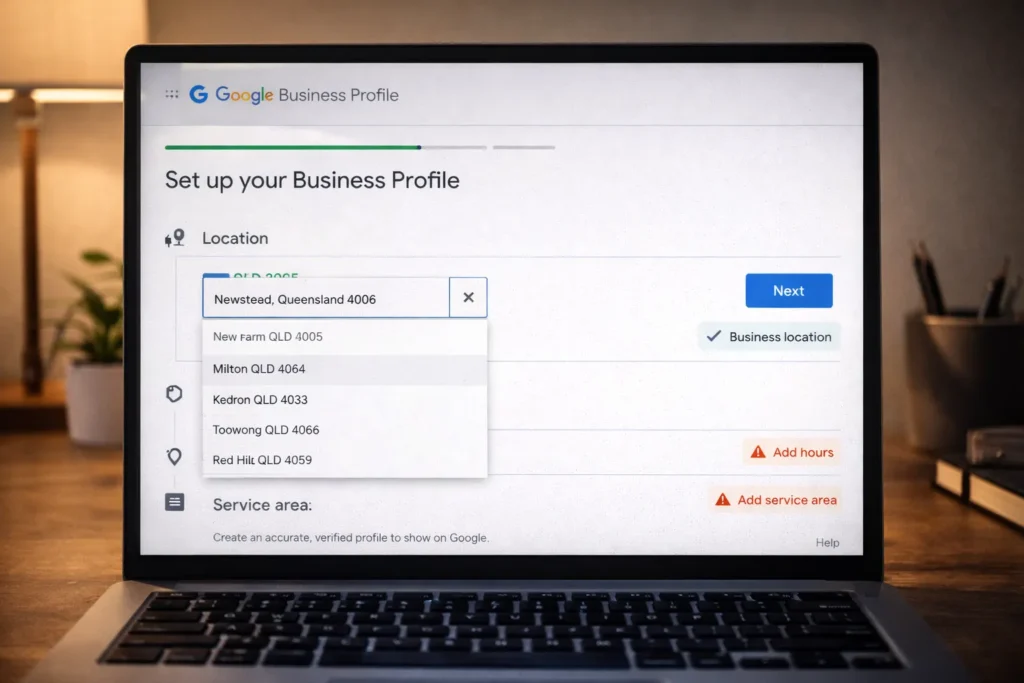
Google uses your profile to verify your location, business hours, and service area. Without that information in place, it can take longer for your business to appear in local results. Meanwhile, competitors who launch with verified profiles can start capturing local traffic immediately. That’s why you should set up your Google Business Profile before launch. It helps you appear in local searches as soon as your site goes live.
Suburb-Based Keyword Research: Most Brisbane Businesses Skip
Suburb-based keywords target specific areas like “Fortitude Valley” or “South Brisbane” instead of broad terms. These local searches have less competition and attract people actually looking in your area. Businesses that skip this research end up competing nationally for generic terms when they could be ranking first locally. Running keyword research before launch shows which suburbs your customers search for, so you can target those areas directly.
NAP Consistency Across Local Directories
NAP stands for Name, Address, and Phone Number, and it needs to match exactly across all your online listings. Even small differences like “St” versus “Street” or slightly different business names create conflicting signals.
We’ve seen Brisbane businesses list their address as “123 Queen Street” on Google but “123 Queen St” on local directories, with their phone number formatted differently across each platform. They didn’t notice until their local rankings stayed flat for months.
Quick tip: check your listings before launch to make sure your business information matches everywhere.
CTAs That Don’t Tell Visitors What to Do
Visitors land on your site and scroll through your content, but then what? Most websites either bury their call-to-action at the bottom of the page or use generic buttons like “Submit” or “Learn More” that don’t explain what happens next. Since potential customers can’t tell what they’re signing up for or what they’ll receive, they skip the button and leave.
That’s why your CTAs need to be specific and action-oriented. Instead of “Contact Us,” use “Get Your Free Quote” or “Book a Strategy Call.” The more specific your CTA, the more likely people are to click because they know exactly what to expect.
To make sure this works on your site, ask yourself before launch: Does every button clearly show what happens when clicked? If not, rewrite it
Missing Your Value Proposition on the Homepage
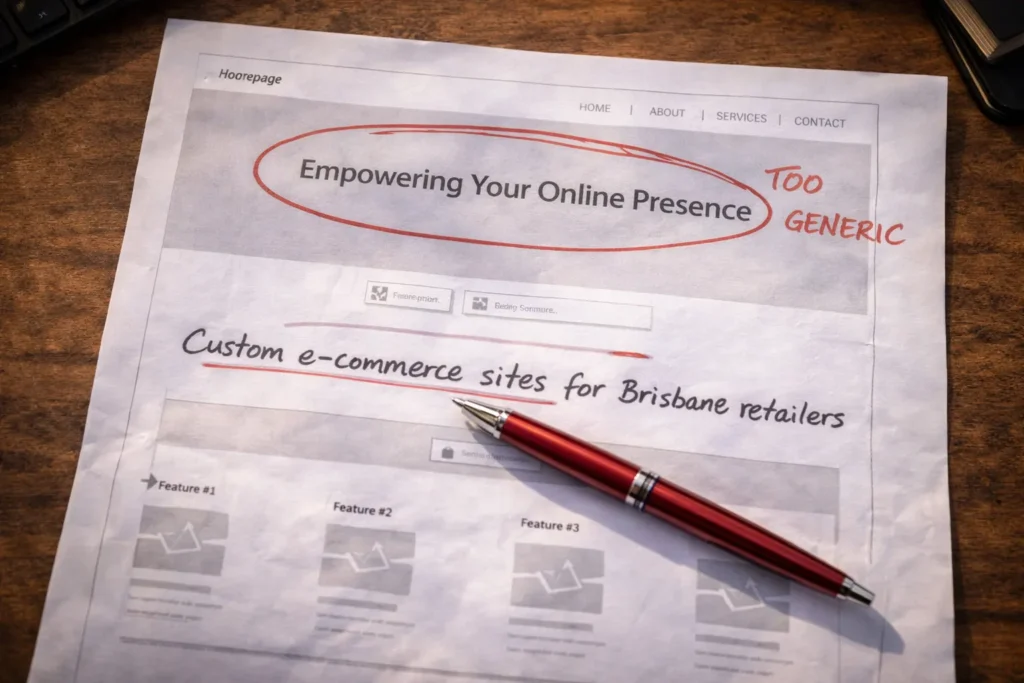
You have seconds to show visitors they’re in the right place. We see many Brisbane businesses waste this time with generic taglines like “Quality Service Since 2010” or “Your Trusted Partner.” Without a clear explanation of what you do differently, people assume you’re like everyone else.
For example, “Custom e-commerce sites for Brisbane retailers who want to sell online without technical headaches” is far better than “We build websites.” This tells your target audience exactly what problem you solve and who you solve it for.
A simple way to test your value proposition is to show your homepage to someone outside your business. If they can’t explain what you do and who you serve, make it clearer before launch.
Don’t Let These Mistakes Delay Your Launch
These pre-launch mistakes aren’t hard to fix, but they’re easy to overlook. Running a website audit, setting up local SEO, testing on mobile devices, and clarifying your CTAs all take a few hours but prevent weeks of troubleshooting after launch.
Before your site goes live, make sure you:
- Run a pre-launch audit to catch broken links and technical errors
- Set up your Google Business Profile and check NAP consistency
- Test on actual mobile devices, not just browser windows
- Review every CTA and value proposition for clarity
If you need help getting your Brisbane website launch-ready, contact BasicLinux. We’ll walk through these checks with you to make sure nothing gets missed.