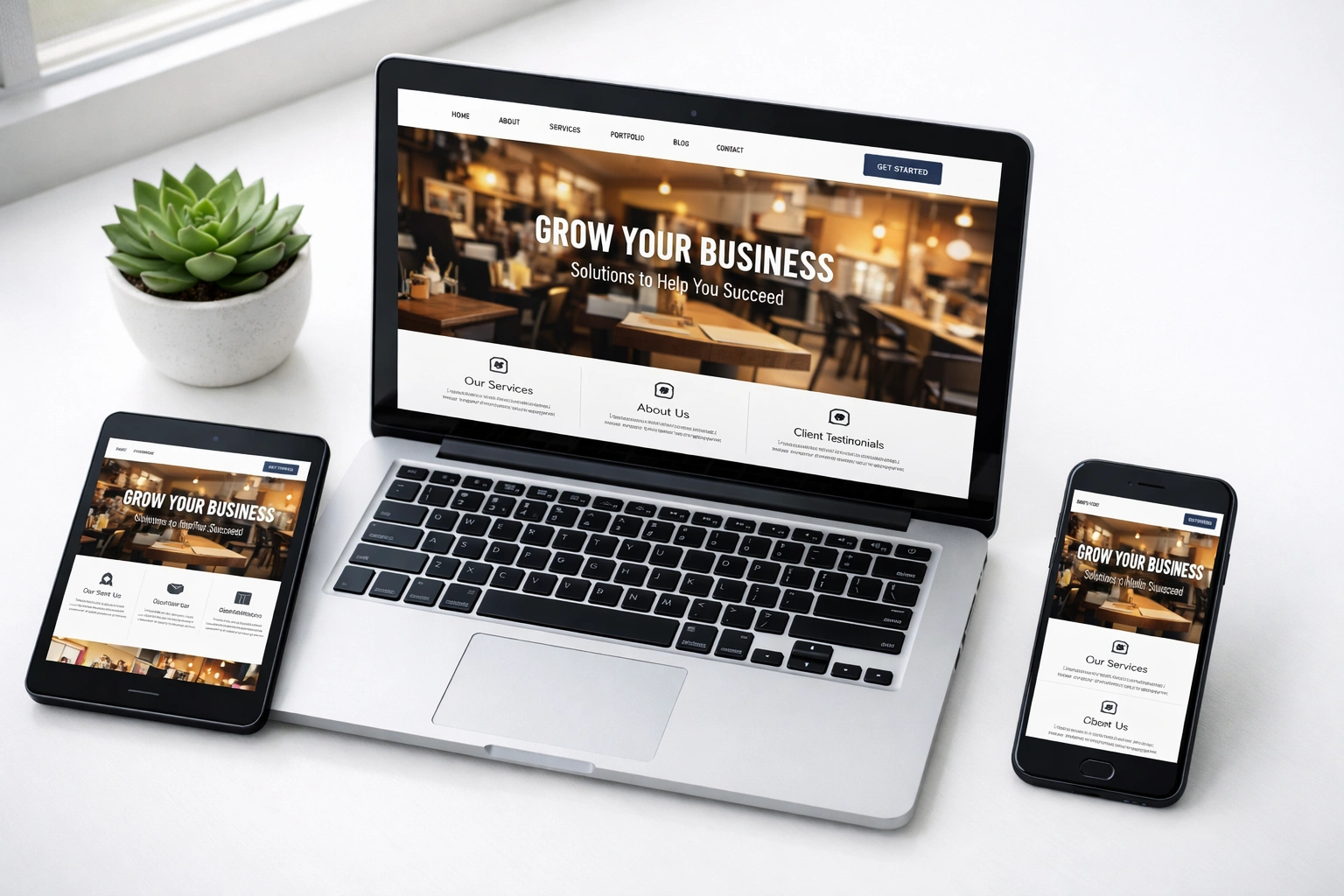
Your business website should be working for you around the clock, but most sites just sit there like a brochure tucked in a drawer. Potential customers show up, look around for a few seconds, and leave without contacting you or taking any action.
The problem isn’t what you’re offering. It’s that your site is missing the core features people expect when they’re ready to buy or get in touch. Without these basics in place, you’re losing opportunities every day.
The good news? You don’t need a massive redesign or complicated tools. These ten features will help small businesses build trust, bring in more inquiries, and support steady growth in 2026.
Mobile-Responsive Design That Actually Works
Responsive design means your site automatically adjusts to fit any screen size, from phones to tablets to desktops. If your layout breaks on smaller screens or buttons become impossible to tap, you’re losing visitors before they even see what you offer.
The numbers back this up. Mobile devices generated 62% of global website traffic in 2025, so it’s possible that most people visiting your site aren’t sitting at a desk.
Responsiveness also affects your SEO directly. Google uses mobile-first indexing, so it ranks sites based on their mobile version first. When mobile users struggle to navigate your site, Google automatically drops your search visibility.
You can test this out yourself: open your site on a phone and try filling out a form, tapping buttons, and reading text. If you’re zooming, mis-tapping, or getting frustrated, your customers are too. Those friction points cost you leads.
Fast Loading Speed (Under 3 Seconds)
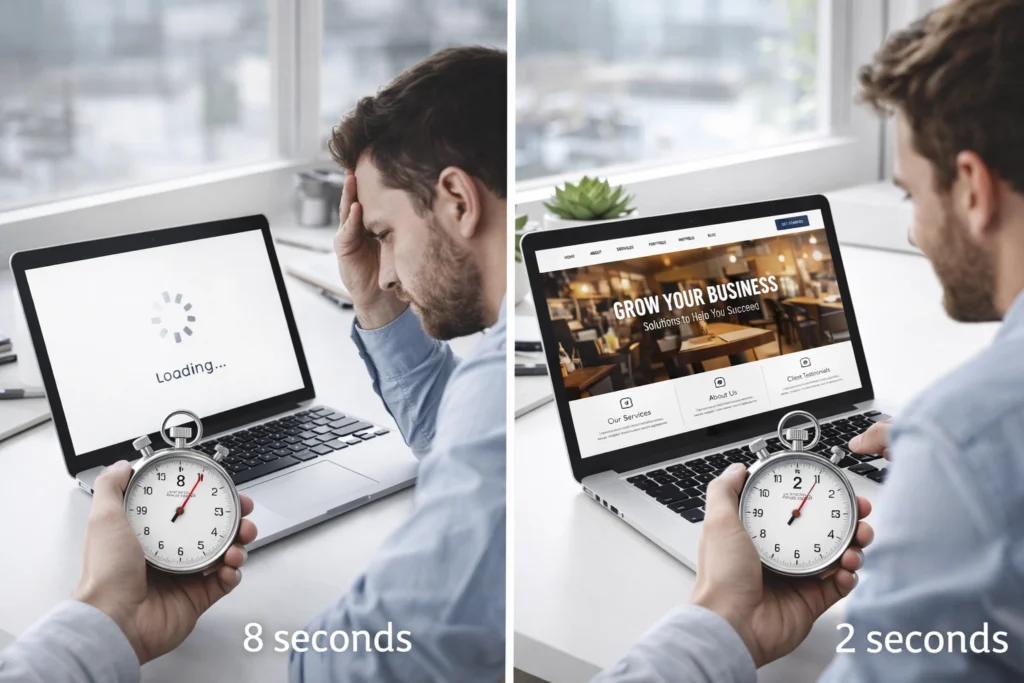
Three seconds doesn’t sound like much, but it’s enough time to lose half your visitors. In fact, Google research found 53% of mobile visitors abandon sites that take longer than three seconds to load. Here are a few changes that can make your site noticeably faster:
- Compress Your Images: If you’ve spotted a drop in website speed, check your images first. They can take up roughly 75% of your page’s total size, which slows everything down. Free tools like TinyPNG let you shrink file sizes without making images look worse.
- Clean Up Your Code: Minifying CSS and JavaScript strips out extra spaces and characters that add unnecessary bulk. The result is your site loads faster, even though visitors won’t see any visual difference.
- Choose Reliable Hosting: Budget hosting might look like good savings upfront, but it can cost you more in the long run because of slow servers. That’s why investing in quality hosting often pays off when visitors don’t have to sit around waiting for pages to load.
Faster sites help you rank higher in search results while giving visitors enough time to explore what you offer. Website speed directly impacts both your visibility and conversions.
Clear Calls-to-Action Throughout Your Site
Strong CTAs guide visitors toward the desired action you want them to take, whether that’s booking a call, requesting a quote, or making a purchase. Without visible buttons telling people what to do next, most users just browse and leave.
Effective CTAs use action-focused language that states the benefit upfront. Compare “Get Your Free Quote” to something vague like “Click Here.” One tells visitors exactly what happens next; the other forces them to guess.
Placement affects results just as much as wording. CTAs work best where people naturally pause, like after you’ve explained a service or shared customer results. Relying on a single button at the bottom means you’re betting everything on one moment. Instead, spread them throughout your site so visitors can act whenever they’re ready.
Strategic Landing Pages That Generate Leads
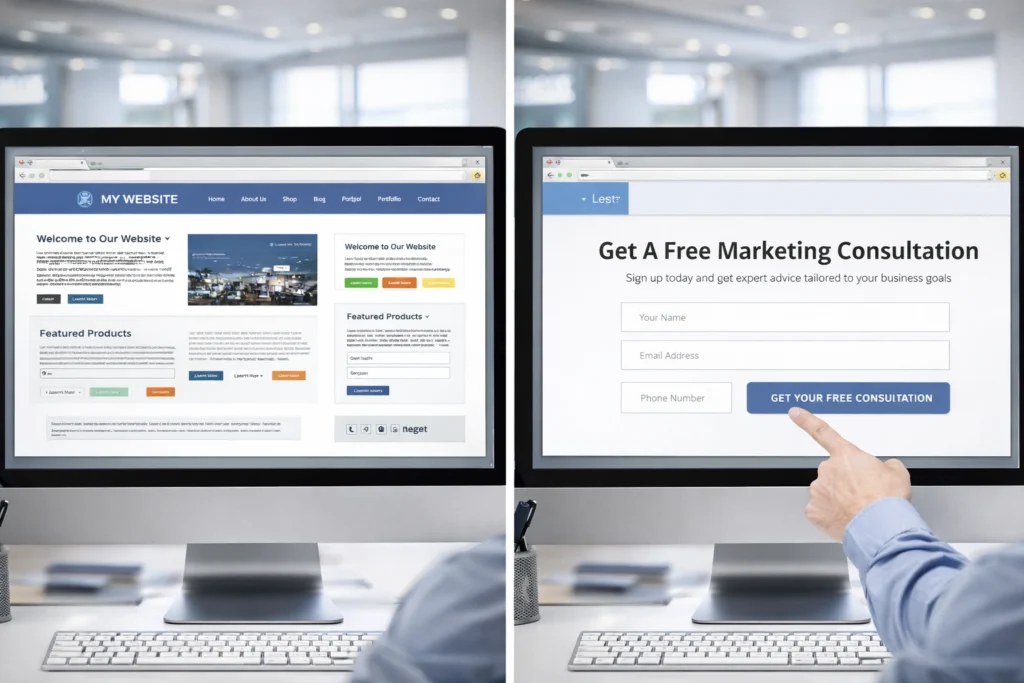
Picture this: you click an ad for web design, land on a busy homepage, but can’t find the pricing tool you wanted. When this happens, you will likely leave within seconds. That’s what happens when landing pages don’t match what people came for.
Dedicated landing pages for each service or offer tend to boost lead generation by removing distractions and focusing attention on one goal. When someone clicks your ad about SEO services, they should land on a page about SEO services, not your general homepage.
Targeted landing pages also let you match campaigns to specific offers. Promoting a free consultation? Send people to a page built around that offer rather than a generic contact form. A single clear focus keeps visitors moving forward, which is why focused pages often outperform catch-all pages.
Contact Forms Built for Conversions
A contact form should make it easy for people to reach you, not test their patience. The difference between a form that converts and one that gets abandoned often comes down to how much you’re asking for.
Keep these principles in mind when setting up your forms:
- Ask Only What You Need: According to Marketo’s form testing research, forms with five fields converted at 13.4% compared to 10% for forms with nine fields. Every extra form field you add gives people another reason to quit halfway through. So stick to name, email, phone, and maybe one service-specific question.
- Match Fields to Your Service: Your form should ask for information you’ll use in the follow-up. If you’re quoting custom landscaping work, you might need property size and budget range upfront. But if you’re booking consultations, name and preferred time slot are enough.
- Make Mobile Easy: Large tap targets and simple input fields help phone users fill out forms without zooming in or fighting autocorrect. Most traffic comes from mobile these days, so test your forms on an actual phone before you launch.
The goal isn’t collecting more leads at any cost. It’s getting responses from people who are ready to move forward, not just tire-kickers filling out forms for fun.
Customer Reviews and Social Proof
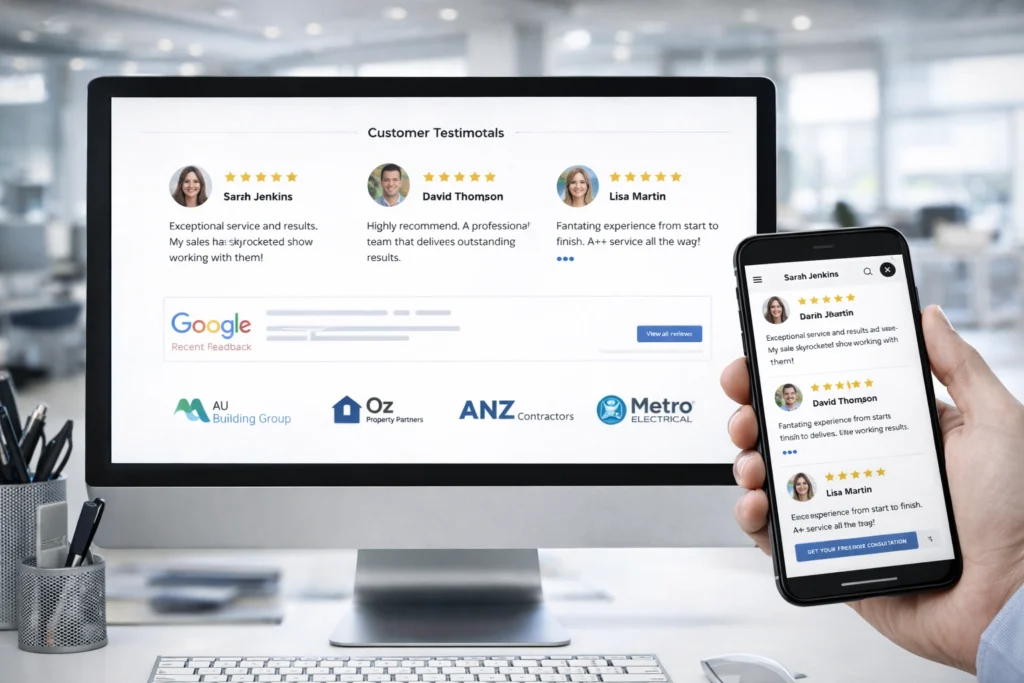
Customer reviews work like word-of-mouth recommendations, except they’re visible to everyone who visits your site. Typically, new visitors look for proof that other people trust you before they reach out. Here’s how to use social proof effectively:
- Display Real Testimonials: Customer testimonials with names and photos build credibility because they prove actual people had genuine experiences. Anonymous quotes could’ve been written by anyone, including you. If a customer agrees to include their photo, even better.
- Embed Google Reviews on Your Site: Pull your Google reviews directly onto your homepage or contact page using widgets or plugins. This keeps visitors on your site rather than sending them off to Google to verify your reputation. The widgets update automatically, so you’re always showing fresh feedback.
- Show Recognisable Client Logos: When Brisbane prospects see you’ve worked with XXXX Brewery or Queensland Rail, it cuts their hesitation immediately. Logos prove you’ve handled real projects for established businesses, which carries more weight than saying “we provide quality service” in your about section.
Social proof gives visitors the confidence to contact you rather than moving on to the next option. Without it, they’re left guessing whether you’re credible or just good at writing copy.
SEO-Optimised Content and Blog Section
A blog section lets you answer the questions your customers are already searching for on Google. When you publish posts targeting specific queries related to your services, you rank for those terms naturally over time. This drives organic traffic without paying for ads.
Publishing helpful content regularly also builds credibility before prospects contact you. Someone who’s read three of your blog posts explaining common problems in your industry shows up already trusting your expertise. That makes them easier to convert than cold leads who’ve never heard of you.
The important part is consistency and relevance. So, write about questions Australian businesses actually ask, not generic topics that don’t relate to your services. A plumber publishing “10 Tips for Fixing Leaky Taps” will outrank one publishing “The History of Plumbing in Australia” because the first topic matches what people search for when they need help.
AI-Powered Tools (Chatbots and Search)
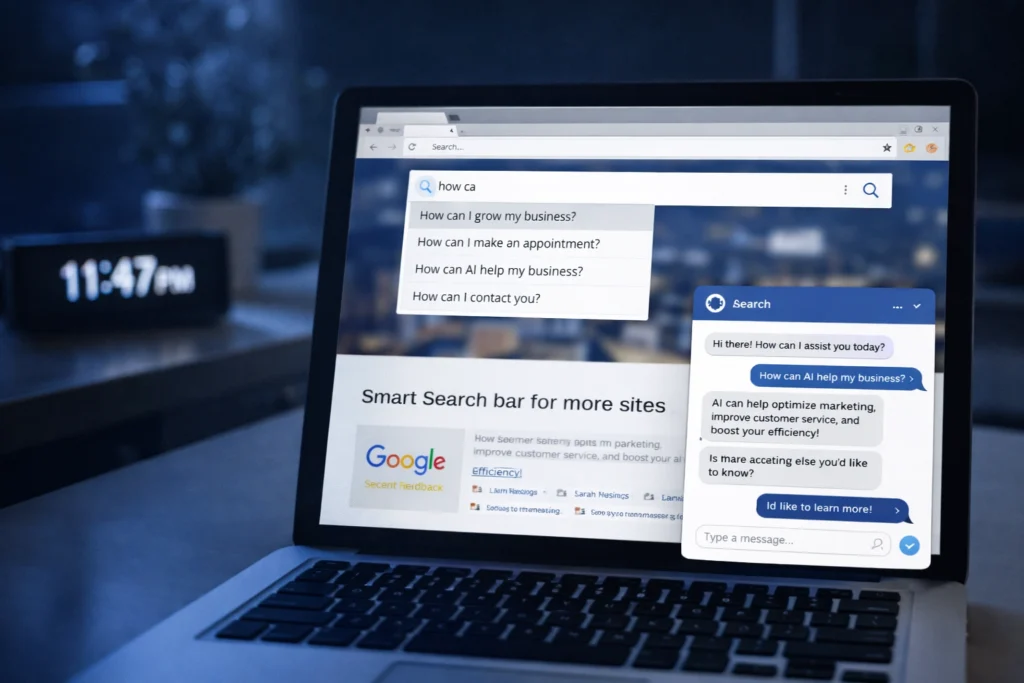
AI tools handle the repetitive questions and searches that eat up your time during business hours. These features work in the background, helping with lead generation and keeping visitors engaged when you’re unavailable.
Two tools deliver the most impact: chatbots that capture leads around the clock, and smart search that helps visitors find what they need faster.
Chatbots That Capture After-Hours Leads
Chatbots answer common questions instantly when you’re unavailable, capturing leads outside business hours without hiring extra staff. They qualify prospects by asking screening questions, then either provide immediate answers or route serious inquiries straight to you.
Some chatbots learn from past conversations, identifying which questions appear most often and refining their responses over time. That means fewer repeated manual answers for you (and faster responses for visitors).
Smart Search for Product-Heavy Sites
Smart search helps visitors find what they need quickly, especially on sites with dozens of products or services. These tools suggest relevant pages based on what someone is viewing or searching for, rather than showing generic results.
For example, someone searching “emergency plumber” gets prioritised results for urgent services, not your entire service catalogue. The search adapts to intent, which keeps visitors moving toward what they actually need rather than clicking through irrelevant pages.
Social Media Integration That Increases Reach
Social integration connects your website and social channels so they amplify each other. Embedded Instagram feeds or Facebook reviews show visitors you’re active without them leaving your site. Plus, adding share buttons on blog posts lets readers spread your content across their networks, extending your reach beyond your own followers.
To make access easy, make social links visible in your header or footer so interested visitors can follow you on platforms they already use. When they click those links, have them open in new tabs to avoid pulling people away completely. This way, they can access your profiles without losing their place on your site.
User-Friendly CMS for Easy Updates
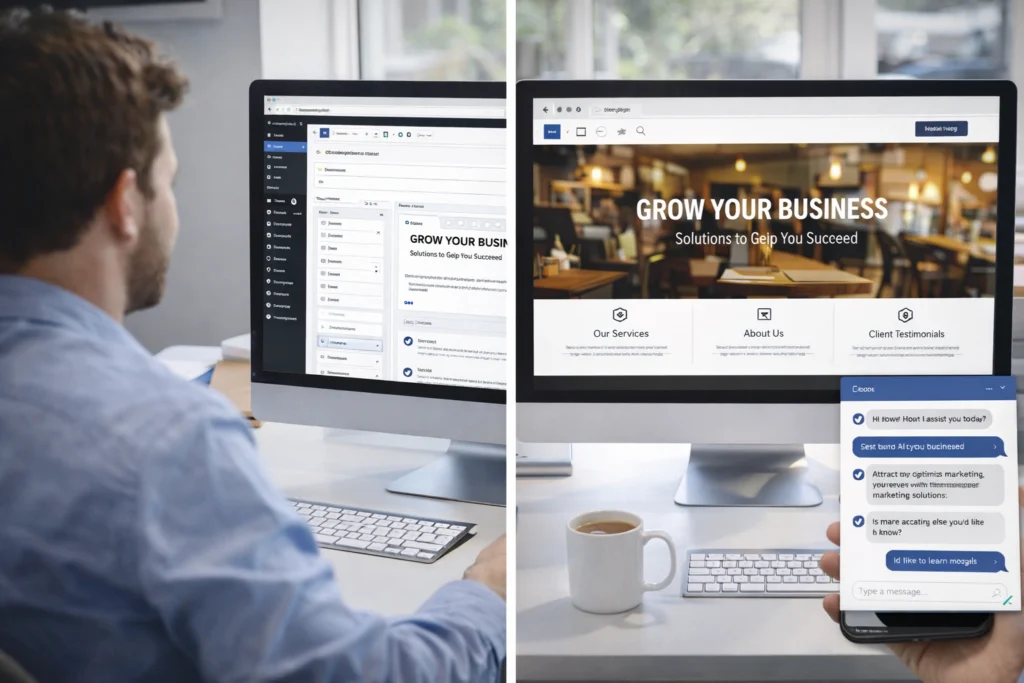
A good CMS means you can fix a typo, update your hours, or add a new service page yourself in minutes rather than emailing a developer and waiting. Good thing most modern website design platforms like WordPress let you do exactly this.
And since you control the dashboard, you can update details whenever needed. This flexibility helps you respond to current trends or seasonal changes quickly.
Need to create a new landing page for a promotion or update pricing across multiple pages? A user-friendly CMS puts those changes in your hands.
Most platforms also include templates that maintain your custom design while letting you add content safely. That means you can create new pages without accidentally breaking your site’s layout or functionality.
What to Prioritise First
Start with mobile responsiveness and speed since these affect every visitor regardless of your industry. If people can’t use your site on their phones or if it loads too slowly, the other small business website features won’t help much.
Add clear CTAs and contact forms next because they directly impact how many leads you generate. These are the elements that turn browsers into buyers. Once those basics work properly, build out your content, reviews, and AI features gradually as traffic grows.
The goal isn’t to implement everything at once. Focus on what your business needs most right now, test performance, and expand from there. Australian businesses that prioritise the fundamentals first usually see stronger results than those trying to do everything at once.
Need help building a site with these features? BasicLinux specialises in creating websites that convert visitors into customers.