
Do you think you have a great website, but somehow it’s not getting the traffic it deserves? You’re not the only one facing this challenge. Many businesses invest in professional design, clear messaging, and quality content, yet still struggle to show up in Google search results.
So what’s going wrong? Well, the problem isn’t always obvious. Search engines now look beyond surface-level design and evaluate technical signals that most site owners never check. The reason your rankings suffer often comes down to small backend issues: messy code, poor internal linking, or content that’s not structured properly for crawlers.
The good news is that these problems are fixable once you know what to look for. This post breaks down the hidden issues holding back well-designed websites and shows you how to spot them before they cost you traffic.
Let’s get started.
Why Do Search Engines Overlook Well-Designed Websites?
Even a visually perfect website can be invisible to Google if technical problems stop its crawlers from reading and indexing your pages.
Your website might load fast and look professional to visitors, but strong visuals alone don’t guarantee search visibility. When technical SEO issues block crawling or indexing, Google can’t access or rank your pages.
That’s because search engines don’t experience your site the way people do. They crawl code, follow internal links, and interpret structure behind the scenes.
In the end, rankings depend on technical foundations that most site owners never check. A website can appear flawless on the surface yet remain invisible in search because Google can’t properly crawl, understand, or index it.
Keyword Stuffing Still Happens (And Google Notices)

Remember when cramming keywords into every sentence felt like good SEO back in 2010? Today, the same tactics hurt rankings instead of helping them.
This outdated tactic backfires for several reasons:
- Unnatural Repetition Signals Low Quality: Repeating keywords awkwardly makes content hard to read and tells Google’s algorithms your page prioritises search engines over users. Visitors bounce quickly when text feels robotic or forced.
- Modern AI Detects Forced Placement Quickly: In our tests with Brisbane businesses, pages with keyword densities well above natural usage levels often experienced ranking drops within weeks. That’s because Google’s algorithms now analyse natural language patterns across millions of high-ranking pages.
- Manipulation Tactics Rank Lower Than Helpful Content: Search engines reward pages that satisfy user intent naturally, not ones that cram keywords into every paragraph, hoping to game the system.
The lesson? Write for people first. It’s because Google follows user behaviour, so if your content reads well and answers questions clearly, keywords fit in naturally without forcing them.
What’s Crawlability Got to Do With Rankings?
If Google’s bots can’t crawl your pages, those pages won’t show up in search results. Search engines rely on crawling to discover, interpret, and index your content. So when technical barriers block bots, even your best pages remain invisible.
A clean site structure helps both visitors and crawlers understand how your pages connect. Without it, search engines struggle to find and index your content.
Most crawlability problems come from two sources: broken internal links and URL parameters.
Broken Internal Links Create Dead Ends

Links guide crawlers through your site and connect pages so Google can find and index them. When a link breaks, it sends crawlers to a page that no longer exists. That stops the crawl right there, and any pages beyond that broken link stay undiscovered.
The best way to spot these issues is through Google Search Console. The Coverage report lists every broken link and its status code, so you know exactly which connections need fixing. Each broken link wastes part of your crawl budget because Google hits a dead end instead of discovering content.
URL Parameters Confuse Search Engines
URL parameters add extra text to your web addresses, usually with question marks or tracking codes. The problem is that search engines treat each parameter variation as a separate page, even when the content stays identical.
This splits your ranking power across multiple URLs instead of consolidating it into one strong page. Instead of indexing unique pages, Google spends time cataloguing duplicate URLs that show the same information. Your crawl budget gets wasted on these duplicates.
Don’t worry, you can fix this using canonical tags or by telling Google Search Console which URL version to index. Once search engines know which page is the real one, they stop wasting time on the duplicates.
Duplicate Content: The Sneaky Traffic Thief
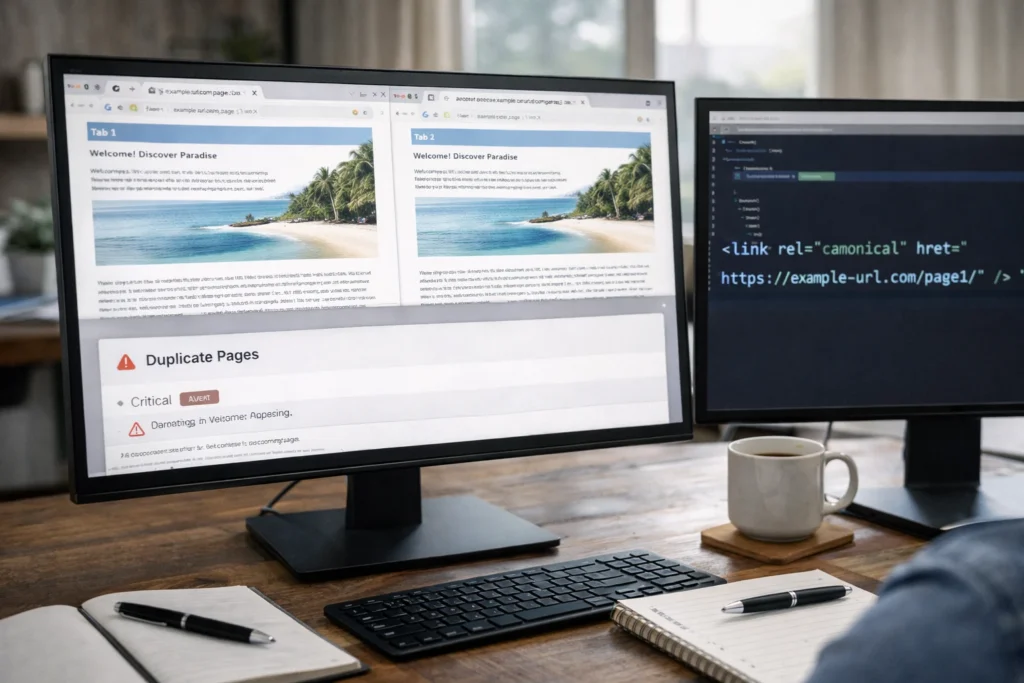
What happens when three different URLs on your site compete for the same search query? Your ranking power gets split across all of them. Google sees multiple versions and struggles to decide which deserves visibility in search results. All versions end up ranking lower because the authority spreads thin.
Duplicate content also wastes your crawl budget. Google has a limited crawl budget for each site, and duplicate pages eat through that limit without adding value.
To fix this, start by identifying where duplicates exist on your site. Common sources usually include product pages with slight variations, printer-friendly versions, or HTTP and HTTPS versions of the same page.
Once you’ve found them, use canonical tags to tell search engines which version is the original. For example, if you have three URLs showing the same content, the canonical tag points Google to the one you want ranked and ignores the rest.
Is Your Mobile Experience Costing You Rankings?
The short answer is yes. According to Sistrix, 64% of searches now happen on mobile devices. That means more than half your potential traffic arrives on phones, and if your mobile experience falls short, those visitors leave before they even scroll. Most of the time, these three problems are the culprits:
- Clunky Navigation Frustrates Users: Sites that don’t adapt to smaller screens tend to lose rankings. Pinching and zooming just to read text gets old fast. When users struggle to navigate, high bounce rates signal quality issues to Google.
- Slow Load Times Signal Poor Quality: Testing sites on actual phones often reveals problems that desktop testing misses. Pages that load slowly on mobile devices frustrate users and can hurt your rankings.
- Desktop-Focused Designs Struggle on Mobile: Sites built mainly for desktop often run into trouble with Google’s mobile usability tests. Issues like small text, clickable elements placed too close together, and horizontal scrolling can all hurt your mobile rankings.
To address these issues, run your site through Chrome Lighthouse or PageSpeed Insights and work through the problems they flag. After that, optimise images for faster mobile load speeds and make sure buttons are easy to tap.
Ignoring Search Intent Wastes Your Traffic Potential
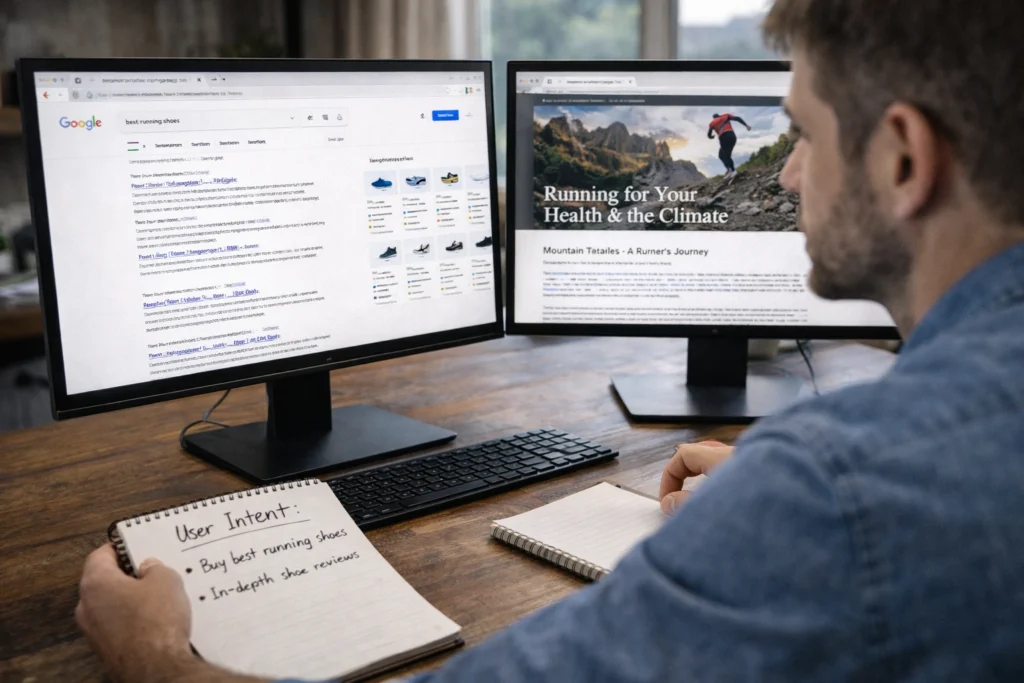
Traffic means nothing if visitors bounce in seconds, and that usually happens when your content doesn’t match what searchers are actually looking for.
For example, someone searches “Brisbane web designer” expecting to find local agencies. But your page talks about design principles instead. They leave immediately, signalling to Google that your content doesn’t satisfy their search intent.
When users leave quickly, Google interprets it as a poor experience and pushes pages that better match what people are looking for higher in the rankings.
So before creating content, figure out what people expect when they search your target keywords. Are they looking to buy something, learn a process, or find a local business? Your content needs to deliver on that expectation. When your page matches what searchers want, visitors stick around longer, and your rankings improve.
Keep Your Rankings Safe Without the Guesswork
SEO mistakes don’t announce themselves. They sit quietly in your backend code, broken links, and misaligned content, while your traffic slowly drops. The biggest mistakes often hide in areas most site owners never check.
Catching these issues early means your site keeps growing, while competitors don’t outrank you in search results. Regular checks using Google Search Console and tools like Chrome Lighthouse or PageSpeed Insights help you spot problems before they cost you traffic.
If you need help identifying what’s holding your site back, BasicLinux can audit your site and fix the technical SEO issues affecting your rankings. Get in touch for a free consultation.